Finally Understand How Fusion Actually Works
The missing foundation every Fusion user needs.
50 lessons • 7+ hours • One-time payment • Lifetime access
Why Fusion Feels Overwhelming - Even After Watching Tutorials
Tutorials show you what to click, not why it works.
You can follow along, but you can't build anything from scratch.
Nodes feel random, instead of systematic.
You understand pieces, but not the whole system.
Fusion is complex... but it follows a system.
And once you understand that system, everything becomes clearer....
After this course, Fusion will feel different.
Understand how the core systems work.
Follow advanced Fusion tutorials with confidence.
Know why stuff works, not just how to recreate it.
Understand Color, Resolution, and Animation.
Everything You Need to Truly Understand Fusion
Module 1:
Fusion Basics
What is Fusion?
Introduction to Nodes
Importing Media (Edit Page)
Importing Media (Fusion Page)
Resolution in Fusion
Module 2:
Important Nodes
The Background Node
The Text Node
The Transform Node
The Merge Node
The Shape System Part 1
The Shape System Part 2
The Brightness and Contrast Node
The Color Corrector Node
The Tracker Node
The Planar Tracker Node
Module 3:
Masks
What are masks?
Basic Mask Shapes
Custom Mask Shapes
The Bitmap Node
Applying Masks to Images
The Magic Mask
Module 4:
Time & Animation
Keyframe Mastery
The Spline Editor
The Keyframes Editor
Animation Paths
Global In & Out
Speed Ramping
Module 5:
Color Management
Working in Linear
LOG to Linear Conversion
Rec.709 to Linear Conversion
Project Level Color Management
Pre-divide/Post-Multiply
Module 6:
Modifiers & Expressions
What are Modifiers?
The Vector Result Modifier
The Follower Modifier
The Character Level Styling Modifier
Intro to Expressions
Timing Expressions
Measuring Expressions
Logic Expressions
Variables in Expressions
Module 7:
Workflow & Organization
Customizing the Layout
Tips for Better Performance
Tips for Staying Organized
Setting Fusion Defaults
Motion Blur
Viewer Customization
Nodes are just text!
Node Instances
Module 8:
Practice Projects
Making Animations Feel Alive
Designing a Beautiful Title Graphic
Screen Replacement VFX
Object Removal VFX
Everything Included With Fusion Fundamentals:
Course Access
Instant access to all 50+ lessons, project files, and resources — plus lifetime access so you can revisit anytime. Includes a completion certificate.
Community Access
Get access to the private Fusion Mastery Community to ask questions, share tips, and learn alongside other serious Fusion users.
Free Future Updates
As Fusion evolves, this course evolves with it. Any new lessons or updates are included — no additional purchase required.
Stop Guessing in Fusion. Start Understanding It.
Instant access · Lifetime updates · Community included
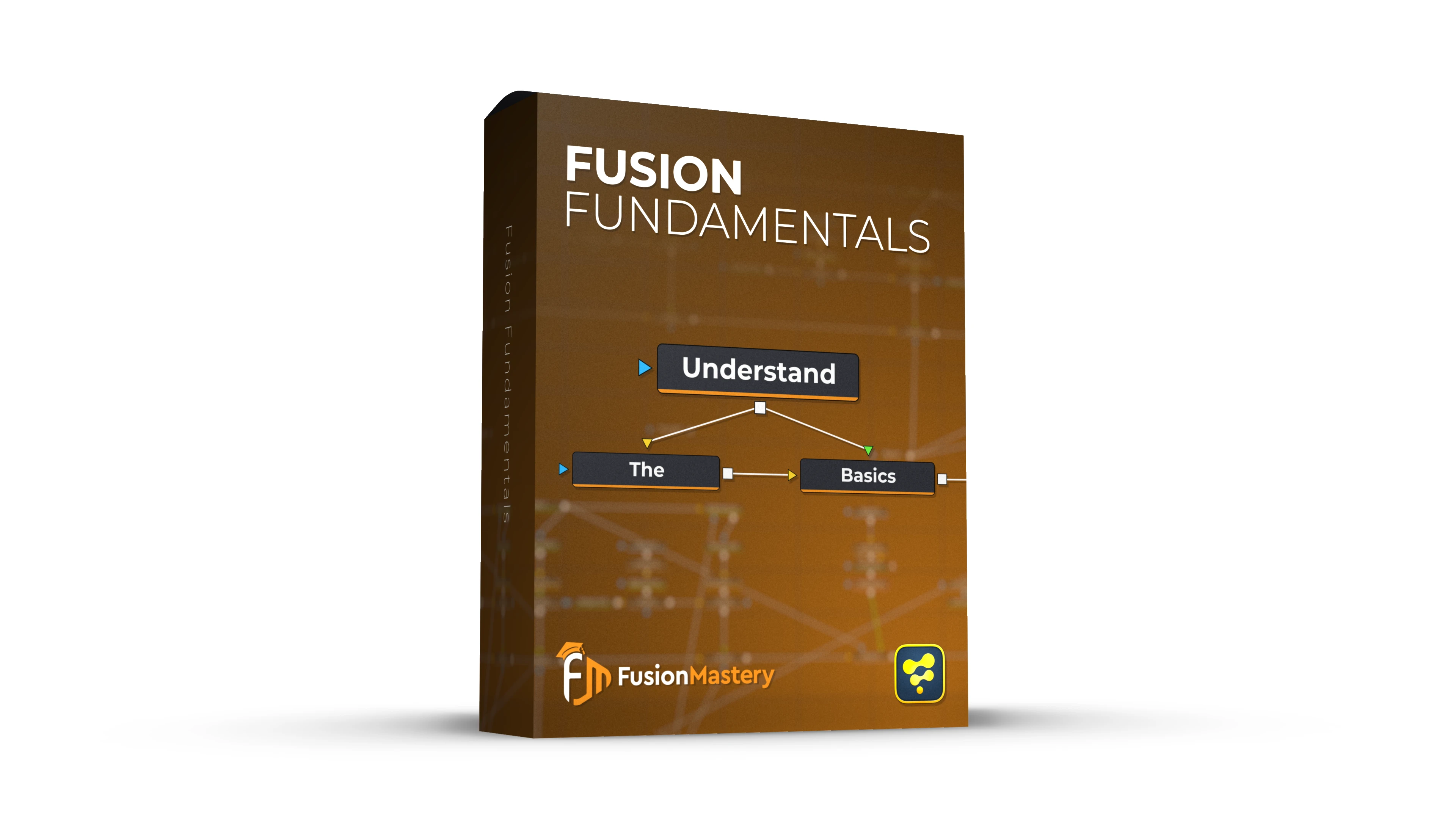
Fusion Fundamentals
50+ Structured Video Lessons
7+ Hours of Training
Access to Fusion Mastery Community
Certificate Upon Completion
Free Lifetime Updates
One-time payment
Frequently Asked Questions:
Who is this course made for?
Fusion Fundamentals is designed for beginners who want to learn how Fusion works. Instead of spending months on YouTube trying to find all of the correct information I've put together a structured course that teaches you all of the important parts about Fusion! Plus, you get lifetime access so you can always refer back to the videos if you forget something!
If you've been using Fusion for a few years this course could be a good review and it can be used to fill in gaps you might have about resolution, masks, color management, etc. If you have any specific questions about the course content just reach out!
Do I need to know anything about Fusion before starting?
Nope! This course is designed with total beginners in mind! The course does assume a base level of knowledge about DaVinci Resolve and video editing in general but most of the course will be spent in the Fusion page.
How can I access the videos/community?
Upon purchase of the course you'll receive instant access to both the course videos and the Fusion Mastery Community! They are both hosted on the same platform so you'll be able to watch the videos, keep track of your progress, and easily switch over to the community page if you have any questions!
Will I learn Motion Graphics/VFX?
This course is primarily designed to teach you how Fusion's components work, not how to use them to get creative results. That being said, if you don't know how to use the tools you won't be able to get the best looking results. In Fusion Fundamentals, I aim to give you the tools needed to make beautiful videos!
At the end of the course Module 8 contains a few practice projects where I cover how to make some Motion Graphics and VFX.
Will Jake be active in the Fusion Mastery Community?
Yes! The Fusion Mastery Community is a great way to ask me questions. I can't promise I'll be able to answer all of them and I won't be able to answer everything, but I'll be in the community answering questions about the course, sharing extra tutorials, and hosting traingins for everyone learning Fusion!
What if I don't like the course?
While I'm very confident this won't be the case, if you aren't happy with the course I have a 14-day refund policy! Just send me an email and I'll get the refund processed (typically 5-7 business days).
If this is the case, please be willing to take some time to provide feedback and let me know how the course could be improved for the future! I'm always trying to make my products better!
Are there more advanced Fusion courses coming?
Yes! I plan to start working on some more advanced MGFX and VFX courses for Fusion that build off of Fusion Fundamentals foundation! These would be additional courses but would also have access to the Fusion Mastery Community!

